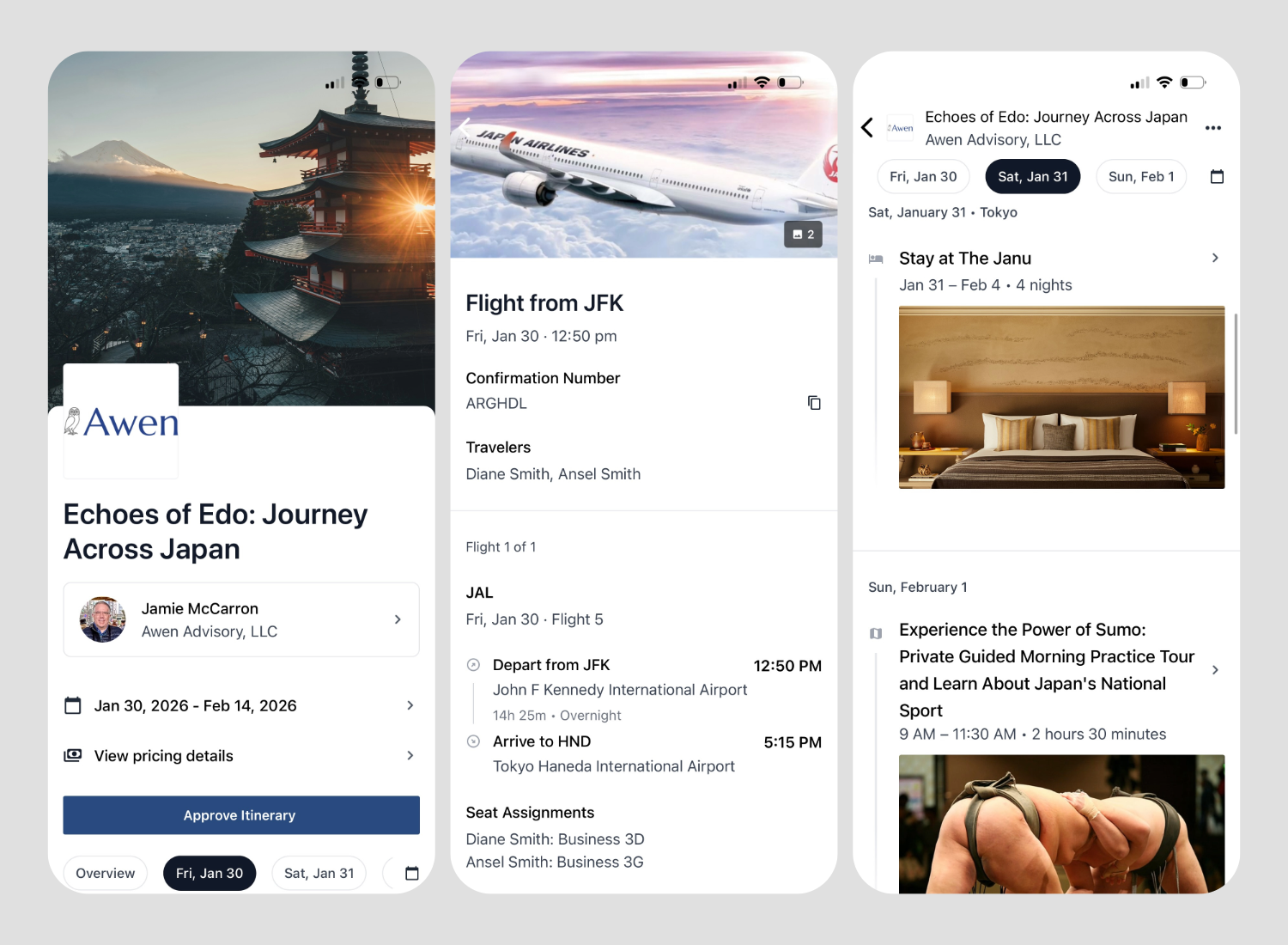
How to Set up your Tern account
Tern is our secure client portal. We use it to share itineraries, collect traveler details, and process payments safely. Setting up your account takes just a few minutes and makes everything smoother for your first trip, and every trip after that.
Step 1: Open Tern and start sign up
Go to the Tern login page by clicking HERE
Click “Sign up here” under the sign in buttons
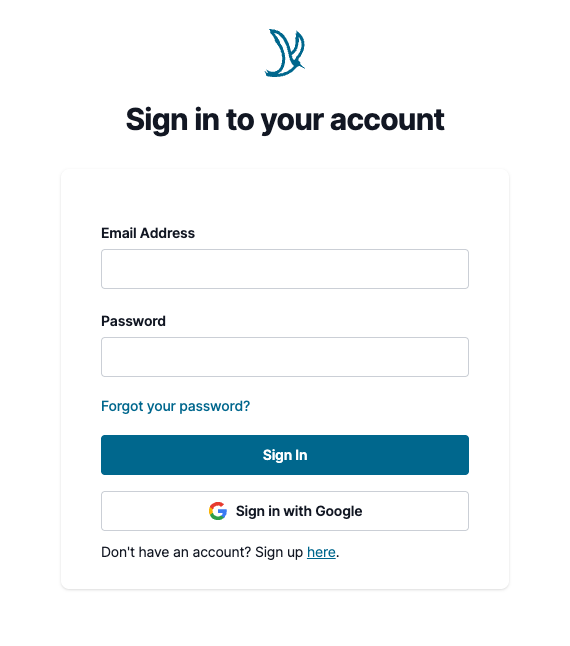
Step 2: Create your account
Enter your email
Create a password making sure it meets the requirements outlined on the page, and re-enter it
Click the green Sign Up button
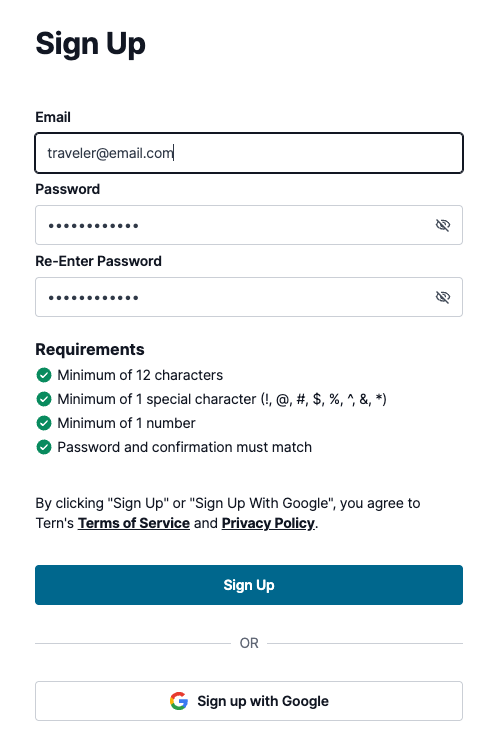
Step 3: Confirm your email
You will see a confirmation screen saying an email was sent
Go to your email inbox, open the email from Tern Travel with the subject Click to confirm your email with Tern
Click the green Confirm Email button
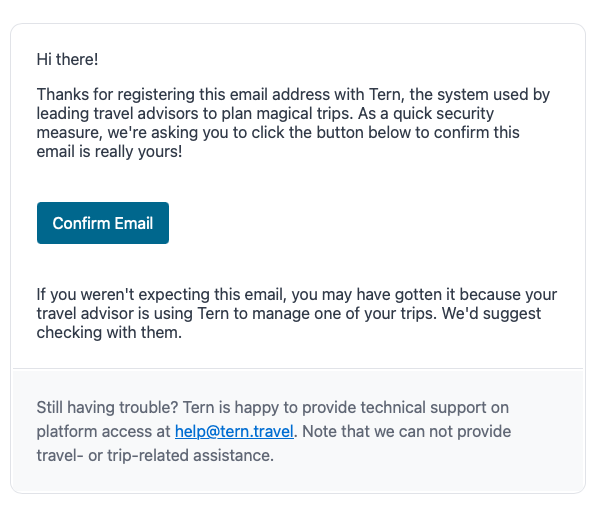
Step 4: Sign in and complete your profile
If prompted, sign in with your new email and password
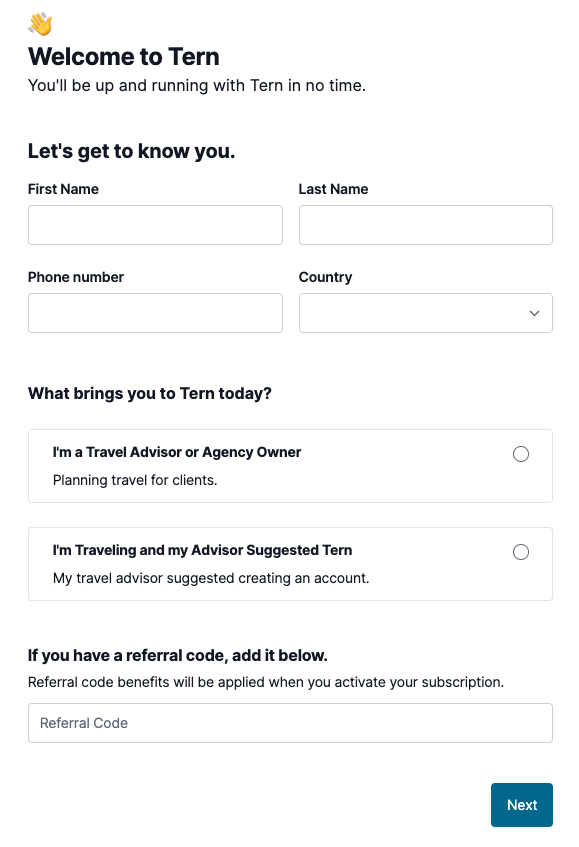
Enter your name, phone, and country
Under What brings you to Tern today? select I’m Traveling and my Advisor Suggested Tern
Click Next
If you already have an itinerary, it will appear on the next screen. If not, it will show up there once we publish it to your account.
Suggested: Install the Mobile App
For easy access while traveling, you can install the companion app Tern for Travelers on your phone.
Download the app from the Apple App Store or Google Play Store
Sign in using the same email and password you just created
You will be able to view itineraries, access key trip details, and authorize travel payments when needed
Download Links: